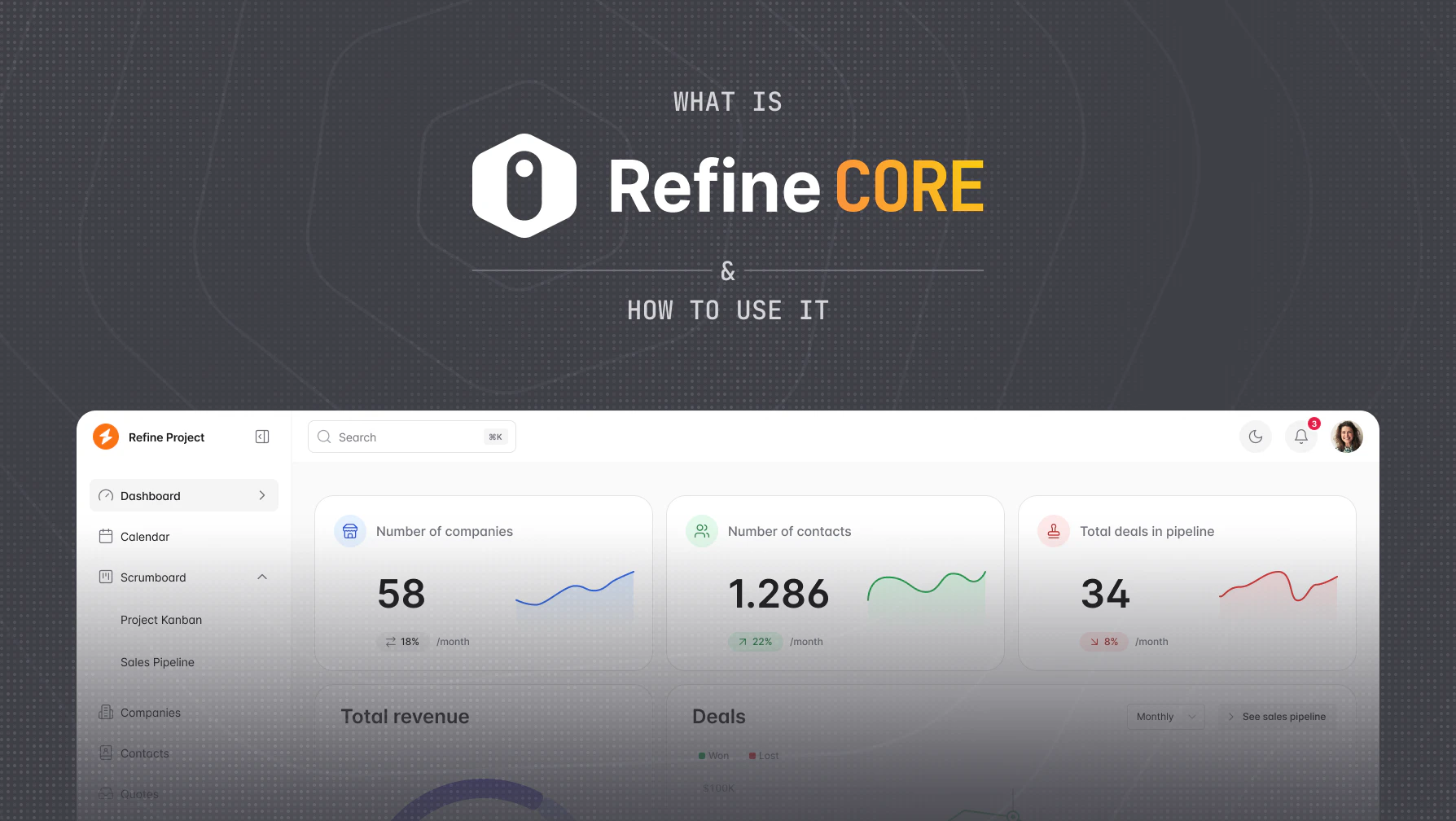
When it comes to creating internal tools, low-code platforms are the way to go. With Refine CORE, a React-based low-code platform, you can quickly build data-intensive applications without having to worry about scalability or ease of use. Other low-code platforms may allow you to develop your applications, but they are often limited in terms of flexibility and customizability. With Refine CORE, you have full control over your application and can add any business logic that you need. So if you're looking for a platform that will let you build internal tools quickly and easily, Refine CORE is the right choice!


What is Refine CORE?
Refine CORE is a React-based framework for building data-intensive applications. It's headless by default, giving you complete freedom to use any UI library—whether it's Ant Design, Material-UI, Mantine, Chakra UI, or even shadcn/ui. You can also bring your own custom design system.
Refer to Refine for more information.
Why you should use Refine CORE?
- Open Source under the MIT license
- Easy to learn with extensive documentation and examples
- Headless architecture - works with any UI library or your own design system
- Backend agnostic - connects to any REST or GraphQL API
- Built on TanStack Query v5 for efficient data management
- SSR compatible with Next.js and Remix
- Supports React 18 and 19
Core Features
- Data fetching and state management powered by TanStack Query
- Routing with React Router, Next.js, or Remix
- Authentication and Authorization
- Internationalization (i18n)
- Real-time subscriptions
- Advanced mutation modes: optimistic, pessimistic, and undoable
How does Refine CORE work?
Refine CORE uses a provider-based architecture. Wrap your application with the <Refine> component and pass in providers like dataProvider (for API communication) and authProvider (for authentication). Refine CORE then gives you powerful hooks throughout your app, all powered by TanStack Query v5.
Let's explore the key concepts:
Communicate with the API
The dataProvider handles all API communication—both data fetching and mutations. It implements these methods:
const dataProvider = {
  create: ({ resource, variables, meta }) => Promise,
  createMany: ({ resource, variables, meta }) => Promise,
  deleteOne: ({ resource, id, meta }) => Promise,
  deleteMany: ({ resource, ids, meta }) => Promise,
  getList: ({ resource, pagination, sorters, filters, meta }) => Promise,
  getMany: ({ resource, ids, meta }) => Promise,
  getOne: ({ resource, id, meta }) => Promise,
  update: ({ resource, id, variables, meta }) => Promise,
  updateMany: ({ resource, ids, variables, meta }) => Promise,
};
Refine CORE's hooks automatically call the appropriate data provider methods. For instance, useTable calls getList under the hood. Here's an example:
import { useTable } from "@refinedev/antd";
import { Table } from "antd";

interface IPost {
  id: string;
  title: string;
  content: string;
  status: "published" | "draft" | "rejected";
}

export const PostList: React.FC = () => {
  const { tableProps, query, result } = useTable<IPost>({
    resource: "posts",
    sorters: {
      initial: [
        {
          field: "title",
          order: "asc",
        },
      ],
    },
    filters: {
      initial: [
        {
          field: "status",
          operator: "eq",
          value: "draft",
        },
      ],
    },
  });

  // Access TanStack Query state from query object
  const { isLoading, isError } = query;

  // Access the data directly from result
  const posts = result.data;
  const total = result.total;

  return (
    <Table {...tableProps} rowKey="id">
      <Table.Column dataIndex="id" title="ID" />
      <Table.Column dataIndex="title" title="Title" />
      <Table.Column dataIndex="content" title="Content" />
    </Table>
  );
};
Behind the scenes, useTable calls getList with these parameters:
getList({
  resource: "posts",
  pagination: {
    currentPage: 1,
    pageSize: 10,
  },
  sorters: [
    {
      field: "title",
      order: "asc",
    },
  ],
  filters: [
    {
      field: "status",
      operator: "eq",
      value: "draft",
    },
  ],
});
With meta you can pass any parameters that you need to the data provider. You can handle it in the data provider.
All hooks that use data provider methods such as useTable work with TanStack Query v5. In Refine CORE v5, query state is now grouped under a query object for better organization:
const { query, result } = useTable();

// Access TanStack Query state
const { isLoading, isError, refetch } = query;

// Access data and total
const posts = result.data;
const total = result.total;
Refer to the dataProvider for more information.
Out-of-the-box data providers
Refine CORE includes many out-of-the-box data providers to use in your projects like:
Add routing to the application
Refine CORE integrates with your router library of choice through router bindings:
For your Next.js project, use @refinedev/nextjs-router. For React projects, use @refinedev/react-router (supporting both v6 and v7) or @refinedev/remix-router for Remix applications.
Refer to the routing documentation for more information.
Out-of-the-box router providers
Refine CORE includes many out-of-the-box router integrations to use in your projects like:
Create pages via resources
The main building blocks of a Refine app are resources. A resource is an entity in the API's endpoint (e.g., https://api.fake-rest.refine.dev/posts). It connects data from the API with page components, allowing pages to access data from the API.
import { Refine } from "@refinedev/core";
import dataProvider from "@refinedev/simple-rest";
import routerProvider from "@refinedev/react-router";

import { PostList, PostCreate, PostEdit, PostShow } from "pages/posts";

const App: React.FC = () => {
  return (
    <Refine
      dataProvider={dataProvider("https://api.fake-rest.refine.dev")}
      routerProvider={routerProvider}
      resources={[
        {
          name: "posts",
          list: "/posts",
          create: "/posts/create",
          edit: "/posts/edit/:id",
          show: "/posts/show/:id",
        },
      ]}
    />
  );
};

export default App;
In Refine CORE v5, resources now define routes as strings rather than components. The actual route configuration is handled by your router (React Router, Next.js, or Remix). Each resource property corresponds to a route:
- The
/postsroute displays the list page - The
/posts/createroute displays the create page - The
/posts/edit/:idroute displays the edit page - The
/posts/show/:idroute displays the show page
Refine CORE hooks used in these pages read values from the route by default. For example, the useForm hook takes the resource, action, and id from the route automatically.
Authentication
The authProvider allows you to add authentication to your application. You can use any authentication library that you want. All your authentication logic is managed with this authProvider.
An auth provider must have the following methods:
const authProvider = {
  // Required methods
  login: () => Promise,
  logout: () => Promise,
  check: () => Promise,
  onError: () => Promise,
  // Optional methods
  getPermissions: () => Promise,
  getIdentity: () => Promise,
  register: () => Promise,
  forgotPassword: () => Promise,
  updatePassword: () => Promise,
};
Authentication hooks use these methods to handle login, logout, and credential checks. For example, check is called when accessing protected pages. See the authProvider docs for more details.
Out-of-the-box Auth providers
- Auth0 - Source Code - Demo
- Keycloak - Source Code - Demo
- Google - Source Code - Demo
- Kinde - Source Code
- OTP Login - Source Code - Demo
Authorization
Refine CORE provides accessControlProvider that you can use to control who has access to what in your app. You can use any access control library that you want. In addition, you can choose the access control models that work best for you (RBAC, ABAC, ACL, etc.).
An accessControlProvider must have one async method called can to check if the person asking for access is allowed to have it.
type CanParams = {
  resource: string;
  action: string;
  params?: any;
};

type CanReturnType = {
  can: boolean;
  reason?: string;
};

const accessControlProvider = {
  can: ({ resource, action, params }: CanParams) => Promise<CanReturnType>,
};
useCan and <CanAccess> component use this method to check if the user is allowed to access.
For example, we can stop non-admin users from editing the post resource.
const App: React.FC = () => {
  <Refine
    accessControlProvider={{
      can: async ({ resource, action, params }) => {
        if (resource === "posts" && action === "edit") {
          const userRole = getUserRole();

          if (userRole === "admin") {
            return { can: true };
          }

          return Promise.resolve({
            can: false,
            reason: "Unauthorized",
          });
        }

        return Promise.resolve({ can: true });
      },
    }}
  />;
};
Refer to the accessControlProvider for more information.
Out-of-the-box access control providers
- Casbin - Source Code - Demo
- Cerbos - Source Code - Demo
- Permify - Source Code
Internationalization
The i18nProvider is used to give localization features to your application. This will allow you to change the text in your application to different languages.
An i18n provider must have the following properties:
const i18nProvider = {
  translate: (key: string, options?: any, defaultMessage?: string) => string,
  changeLocale: (lang: string, options?: any) => Promise<any>,
  getLocale: () => string,
};
Refine CORE uses these methods via translation hooks.
Refer to Refine CORE i18nProvider for more details and how to use the react-i18next package.
Real-time support
The liveProvider is used to add real-time support to your application. You can use any real-time library or tool that you want.
A live provider must have the following properties:
const liveProvider = {
  subscribe: ({ channel, params: { ids }, types, callback }) => any,
  unsubscribe: (subscription) => void,
  publish?: (event) => void,
};
Refine CORE data hooks are subscribed to using the subscribe method given with the live provider. The subscribe method returns a subscription object that can be used to unsubscribe. The unsubscribe method is used to unsubscribe from the subscription. The publish method is used to publish an event to the channel on the client side.
If you send an event after the relevant operations on the server, Refine CORE will invalidate the related queries. If the liveMode is manual, queries of related resources are not invalidated in real-time; instead onLiveEvent is run with the event as new events from the subscription arrive.
Out-of-the-box live providers
- Ably - Source Code - Demo
- Supabase - Source Code
- Appwrite - Source Code
Additional Features
notificationProvider
Display notifications during mutations using any notification library.
mutationMode
Control mutation behavior:
- Pessimistic: Wait for server confirmation
- Optimistic: Update UI immediately
- Undoable: Update UI with undo option
syncWithLocation
If syncWithLocation is turned on, the list of query parameters may be modified manually by editing directly in the URL.
/posts?current=1&pageSize=8&sorters[0][field]=createdAt&sorters[0][order]=desc
Check out all of Refine CORE's features for more information.
Build Even Faster with Refine AI
Looking to accelerate your internal tool development even further? Refine is an AI agent that utilizes Refine CORE to generate clean internal tools in minutes, instead of weeks. Simply describe what you want to build, and Refine generates production-ready code using Refine CORE under the hood. It's perfect for rapid prototyping or generating boilerplate code that you can then customize to your exact needs.
Whether you're building admin panels, dashboards, or custom CRUD applications, Refine can help you get started faster while maintaining the flexibility and control that Refine CORE provides.
Conclusion
Refine CORE combines rapid development with complete flexibility. Build internal tools quickly without sacrificing customization—use any UI library, backend, or auth provider you prefer. The Refine CORE team is responsive and actively improving the framework.
Give Refine CORE a star on GitHub to support the project!